
How do I share a dashboard, and how do I put it on a wall screen?
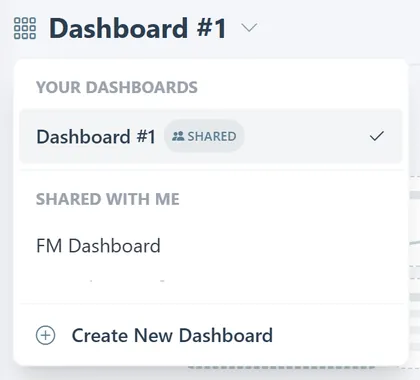
- Open the dashboard menu next to the title. On your own dashboard, use the share action to share it with everyone in your organisation. The dashboard gets a Shared badge, and colleagues find it under Shared with me. Use the same action again to stop sharing.
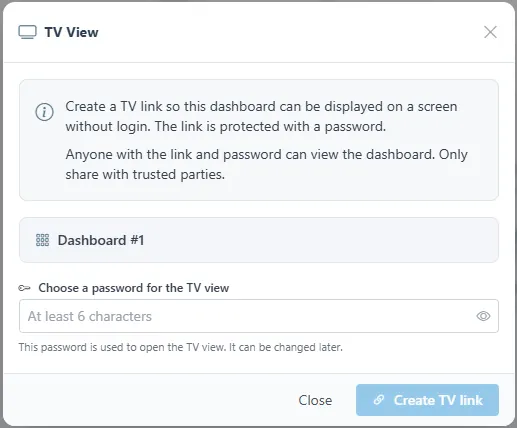
- For a wall screen, click TV Mode at the top right. Choose a password of at least six characters and click Create TV link. The link opens the dashboard without a login, protected by that password, so share it only with people who should see it. The password can be changed later.
Related
Was this helpful?
Thanks for your feedback.

