
How do I edit or stop a report subscription?
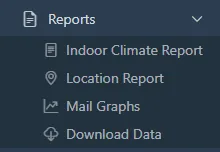
- Open Reports > Indoor Climate Report. The Subscriptions tab is open by default.
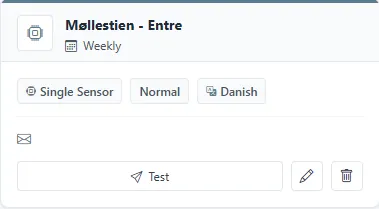
- Each card is one subscription: the sensor, the frequency, the format, the language, and the recipients. Test sends the report now. The pencil edits it, and the bin stops it.
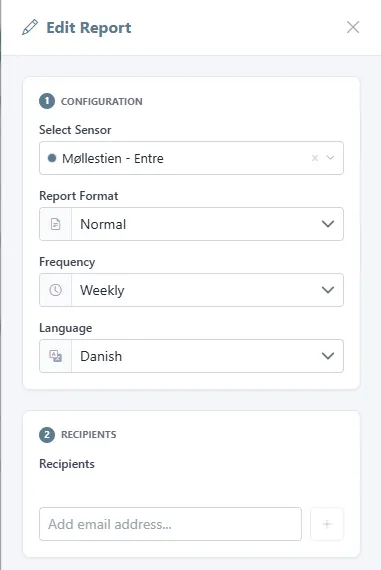
- In Edit Report, change the sensor, the format (normal or simple), the frequency (daily, weekly, or monthly), the language, or the recipients, and click Update Report. The report is not rebuilt; the next one follows the new settings.
Related
Was this helpful?
Thanks for your feedback.

