
How do I add a widget to a dashboard?
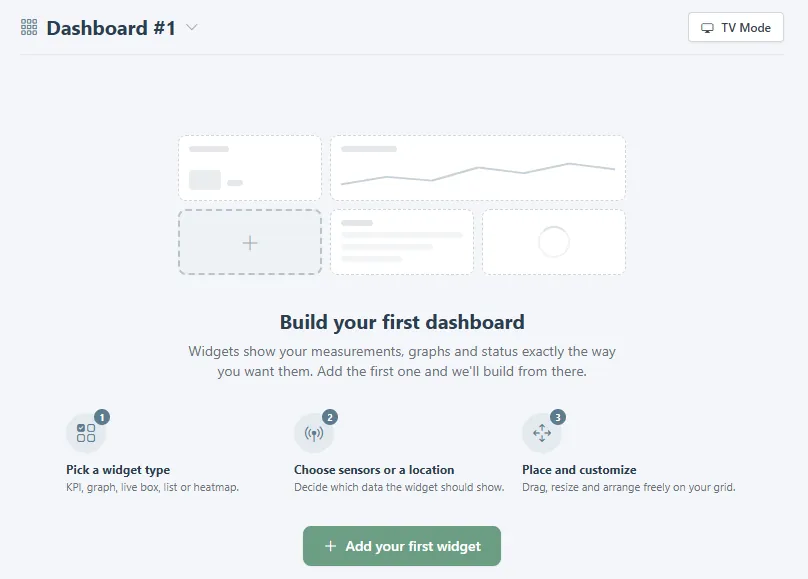
- Open the dashboard and click Add your first widget, or the add button on a dashboard that already has tiles.
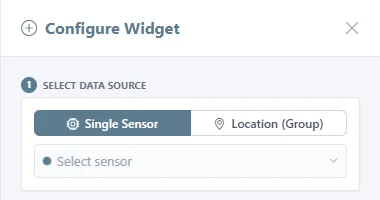
- Under Select data source, choose Single Sensor or Location (Group), then pick the sensor or the location from the list. Sensors are grouped by location, and you can search.
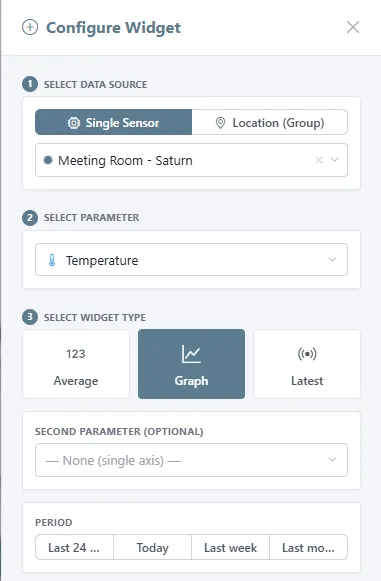
- Choose the parameter, such as temperature, humidity, or CO₂, or All values.
- Choose the widget type: Average for a single figure, Graph for a chart, or Latest for the current reading. A graph can take a second parameter on its own axis and a period from the last 24 hours to the last month.
- Click Add Widget.
Related
Was this helpful?
Thanks for your feedback.

