
What is the DGNB report, and how does it work?
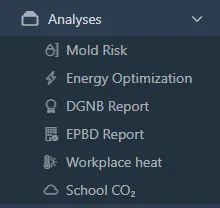
Open Analyses > DGNB Report.
It gathers temperature, relative humidity, and CO₂ as evidence for SOC1.1 thermal comfort and the CO₂ categories in EN 16798-1. It does not document the SOC1.2 TVOC knockout. eTVOC can be added as a preliminary check, and it stays off unless you turn it on.
The PDF can include statistics, charts with coloured limit bands, floor plans with numbered sensor positions, and the hours measured inside the occupied time you set. Limits come from the DGNB standard, building type, and ventilation type, and you can adjust them before the PDF is made.
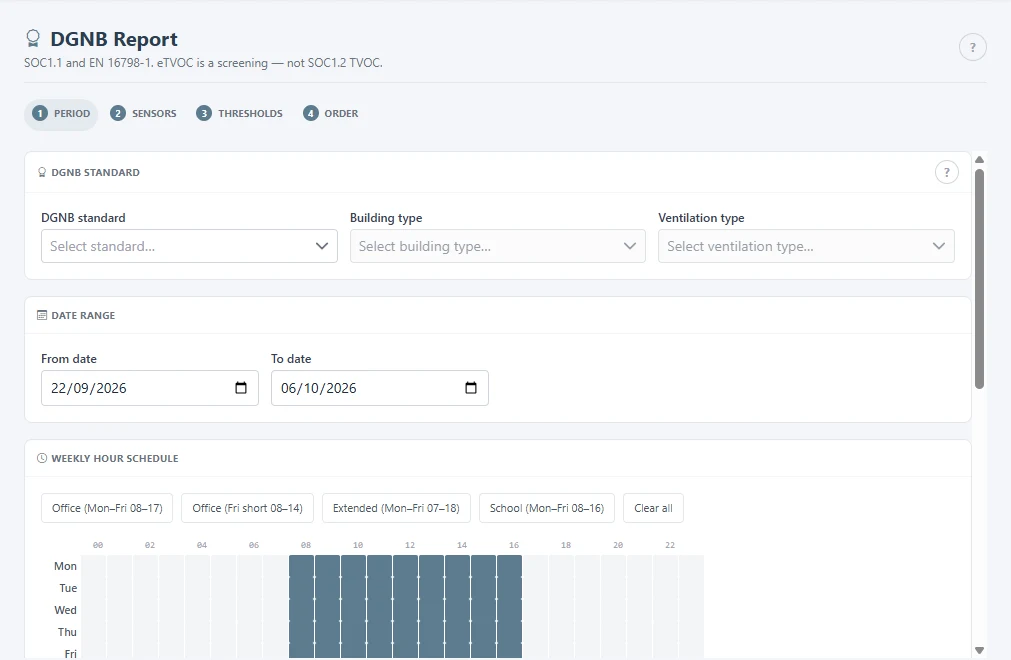
- Choose the standard (DGNB New build 2023, New build 2020, or In-use 2023), the building type, the ventilation type, the dates, and the occupied hours. You can remove public holidays from the calendar.
- Choose the sensors.
- Review the limits. The wizard then builds the PDF. Earlier reports stay listed on the page.
Related
Was this helpful?
Thanks for your feedback.

