
How do I create a dashboard?
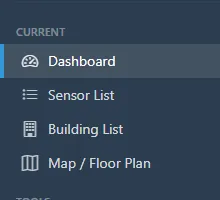
- Open Dashboard.
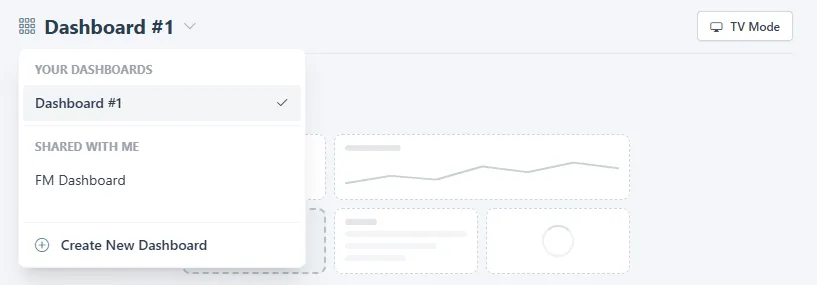
- Open the dashboard menu next to the title and choose Create New Dashboard. The menu lists your own dashboards first, then the ones shared with you.
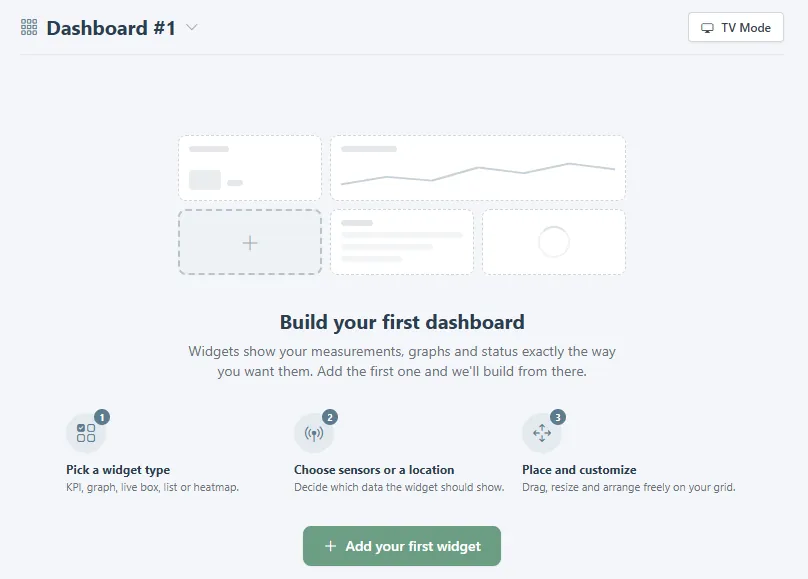
- A new dashboard starts empty. Click Add your first widget to pick a widget type, choose the sensors or a location, and place it on the grid. Drag to move or resize. Changes save as you go.
Related
Was this helpful?
Thanks for your feedback.

