
How do I get a graph by email on a schedule?
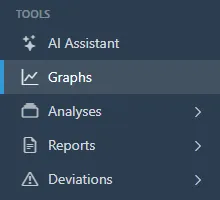
- Open Graphs and build the graph you want to receive: the sensors, the parameters, the period, and the zones.
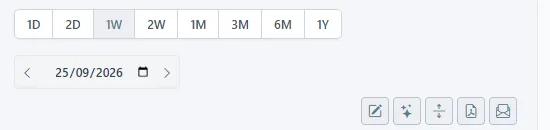
- Click the envelope icon in the toolbar above the chart.
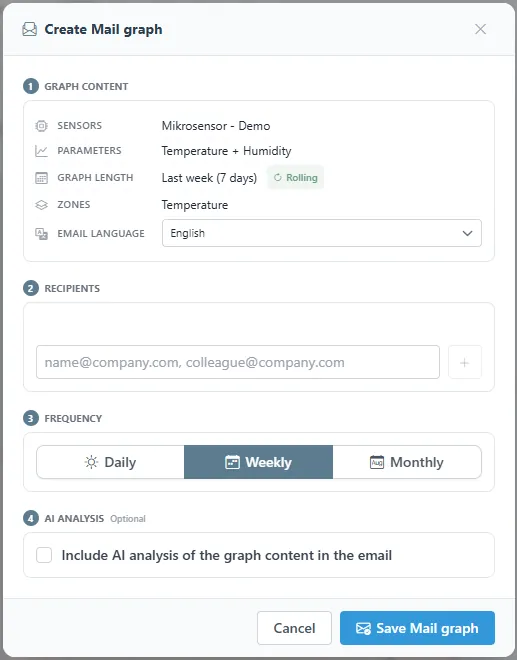
- Create Mail graph shows what will be sent: the sensors, the parameters, the graph length, and the zones, with the period rolling forward each time. Choose the email language, add the recipients, pick Daily, Weekly, or Monthly, and tick Include AI analysis if you want a written note on the trends. Click Save Mail graph.
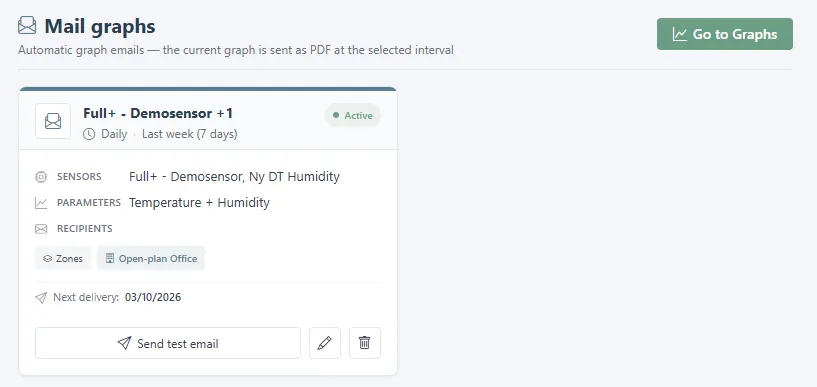
- Saved mail graphs are listed under Reports > Mail Graphs, with the next delivery date. From there you can send a test email, edit the recipients and the frequency, or delete the subscription.
Related
Was this helpful?
Thanks for your feedback.

