
What is the Building List, and how do I read it?
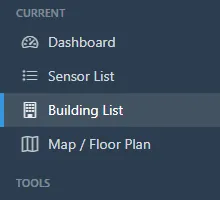
- Open Building List.
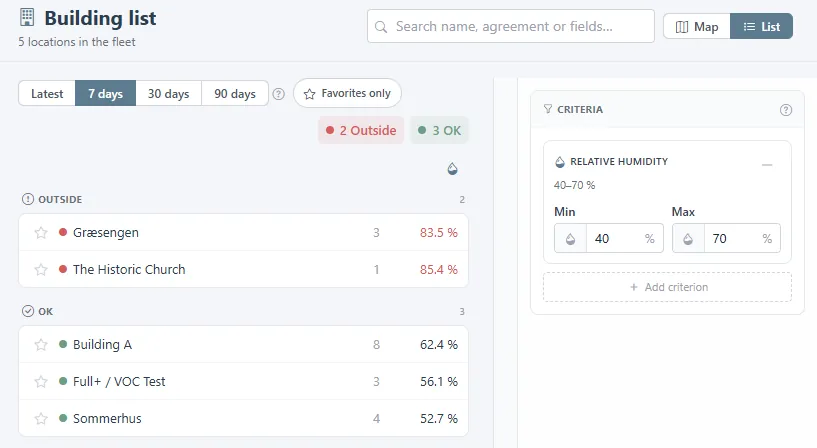
- It shows every location in your fleet with one figure per location, and sorts them into Outside and OK against the criteria on the right. Choose Latest or the average over 7, 30, or 90 days. Star a location to keep it under Favorites only.
- Under Criteria, set a minimum and a maximum for a parameter such as relative humidity, or add another criterion. A location is Outside when its figure falls outside those limits.
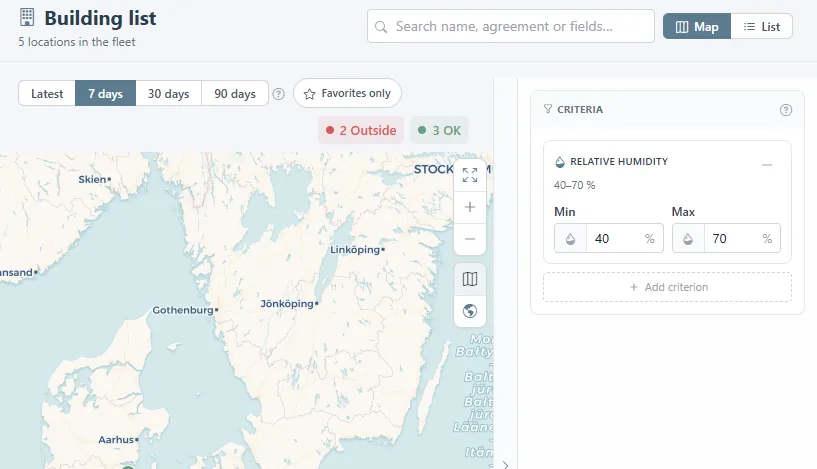
- Map shows the same locations as coloured pins. Locations are created and sensors moved under Administration > Sensors; Building List only reads them.
Was this helpful?
Thanks for your feedback.

