
How do I set the thresholds for a location or a sensor?
Open Administration at the bottom of the side menu, then Indoor climate > Thresholds.

The Scenarios tab holds ready-made threshold sets, grouped by what the room is used for, such as Office & Workplace or Preservation & Heritage. Filter by standard, such as EPBD / EN 16798, EN 15757, or HACCP, or search for a room type. Overview shows which scenario each sensor follows right now.
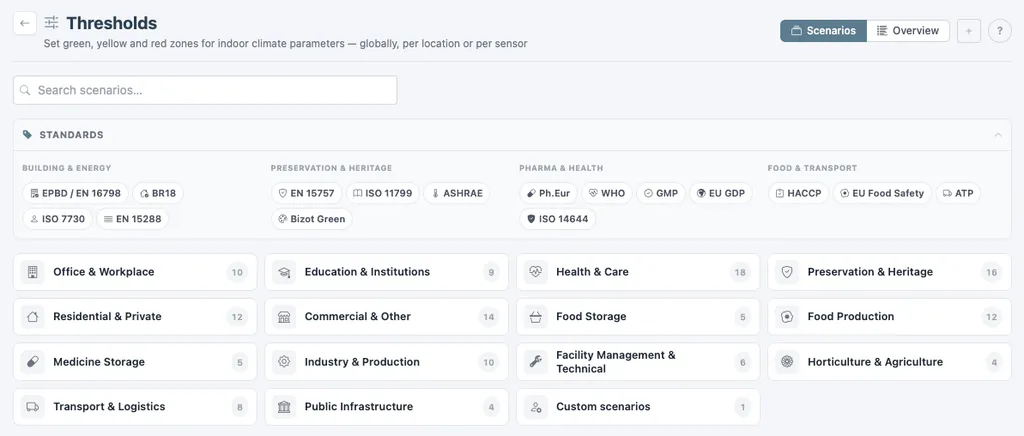
- Open a group and click a scenario to see its green, amber, and red zones for every parameter, summer and winter.
- Click Apply and choose the locations or sensors it should cover.
A sensor can also get its own scenario under Administration > Sensors, which overrides the one set on its location.
Was this helpful?
Thanks for your feedback.

