
How do I download raw data as CSV?
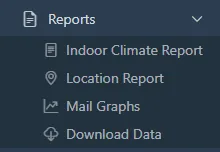
- Open Reports > Download Data.
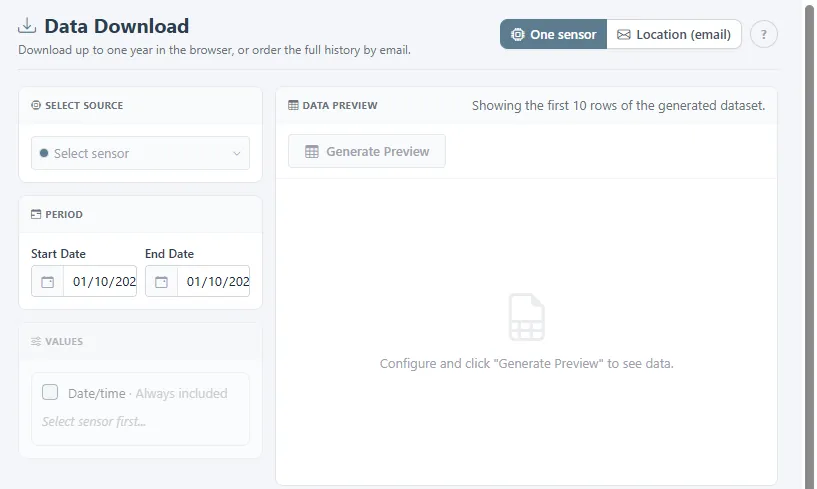
- Choose One sensor to download up to one year in the browser, or Location (email) to order the full history for a whole location by email.
- Pick the sensor, the start and end date, and the values you need. Date and time are always included.
- Click Generate Preview to check the first rows, then download.
Emailed exports are split into one file per month and stay listed under Previous exports, so you can download them again.
Related
Was this helpful?
Thanks for your feedback.

