
How do I create a notification for a sensor?
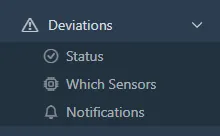
- Open Deviations > Notifications and click Create Notification.
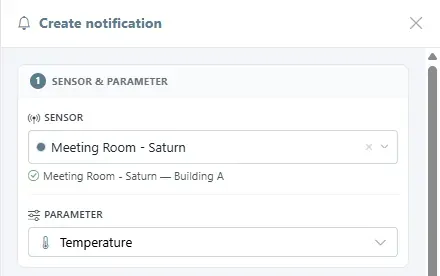
- Choose the sensor and the parameter.
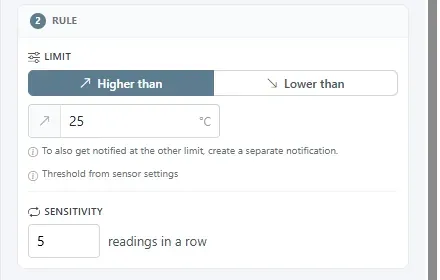
- Set the rule: Higher than or Lower than a limit. The field is prefilled from the sensor's scenario. Set the sensitivity, the number of readings in a row that must be outside the limit before the alert is sent.
To be told at the other limit as well, create a second notification.
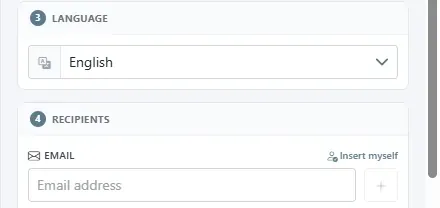
- Choose the language of the message.
- Add recipients by email or SMS. Insert myself adds your own address.
- Click Save Notification.
Was this helpful?
Thanks for your feedback.

