
How do I use the AI Assistant?
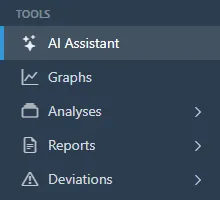
- Open AI Assistant.
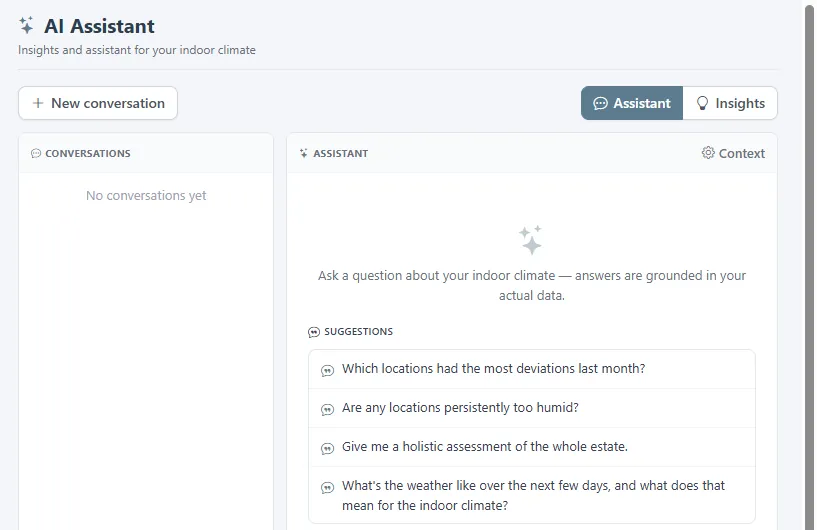
- Type a question in plain language, or start from one of the suggestions, such as which locations had the most deviations last month. Answers are grounded in your organisation's own sensor data and nothing else. Context shows what the assistant can see. Conversations are kept on the left, and Insights collects observations it has made on its own.
The answers are guidance, not an accredited assessment. Check them against the raw data before you act on them.
Related
Was this helpful?
Thanks for your feedback.

