
How do I compare sensors in Graphs?
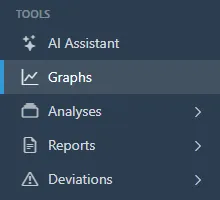
- Open Graphs.
- Choose a period from 1D to 1Y, or step through dates with the arrows. Under Axes & zones, set the parameter on each axis, such as temperature on the left and relative humidity on the right, and choose which parameter draws the green, amber, and red zones. Advanced mode adds absolute humidity and dew point. The toolbar above the chart edits the graph, asks the AI for a summary, expands the chart, saves a PDF, or sets up a mail graph.
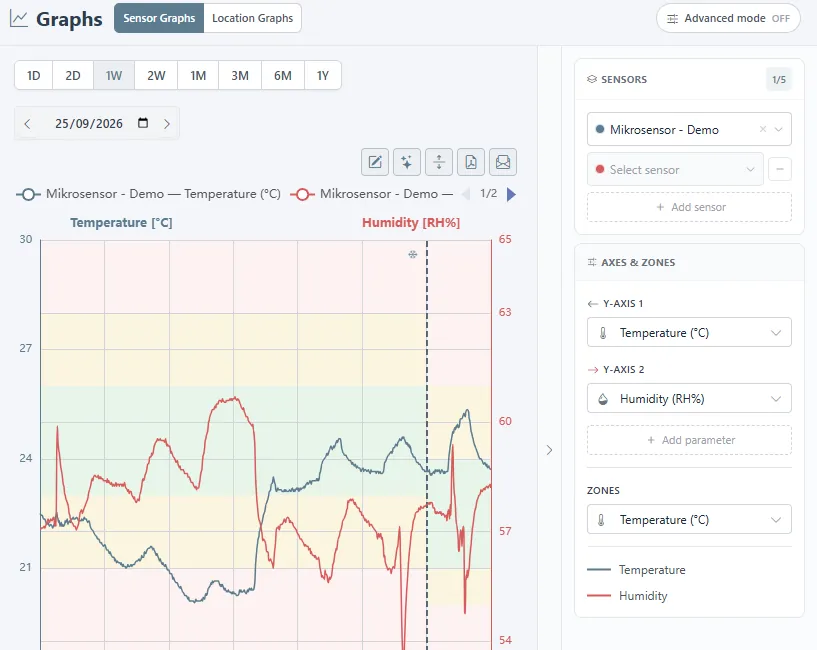
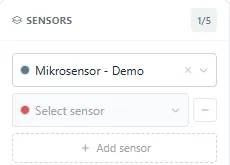
- Click Add sensor in the Sensors panel to overlay up to five sensors on the same chart. Each sensor gets its own colour in the legend. Remove one with the minus. Location Graphs at the top shows a whole location instead of individual sensors.
Related
Was this helpful?
Thanks for your feedback.

