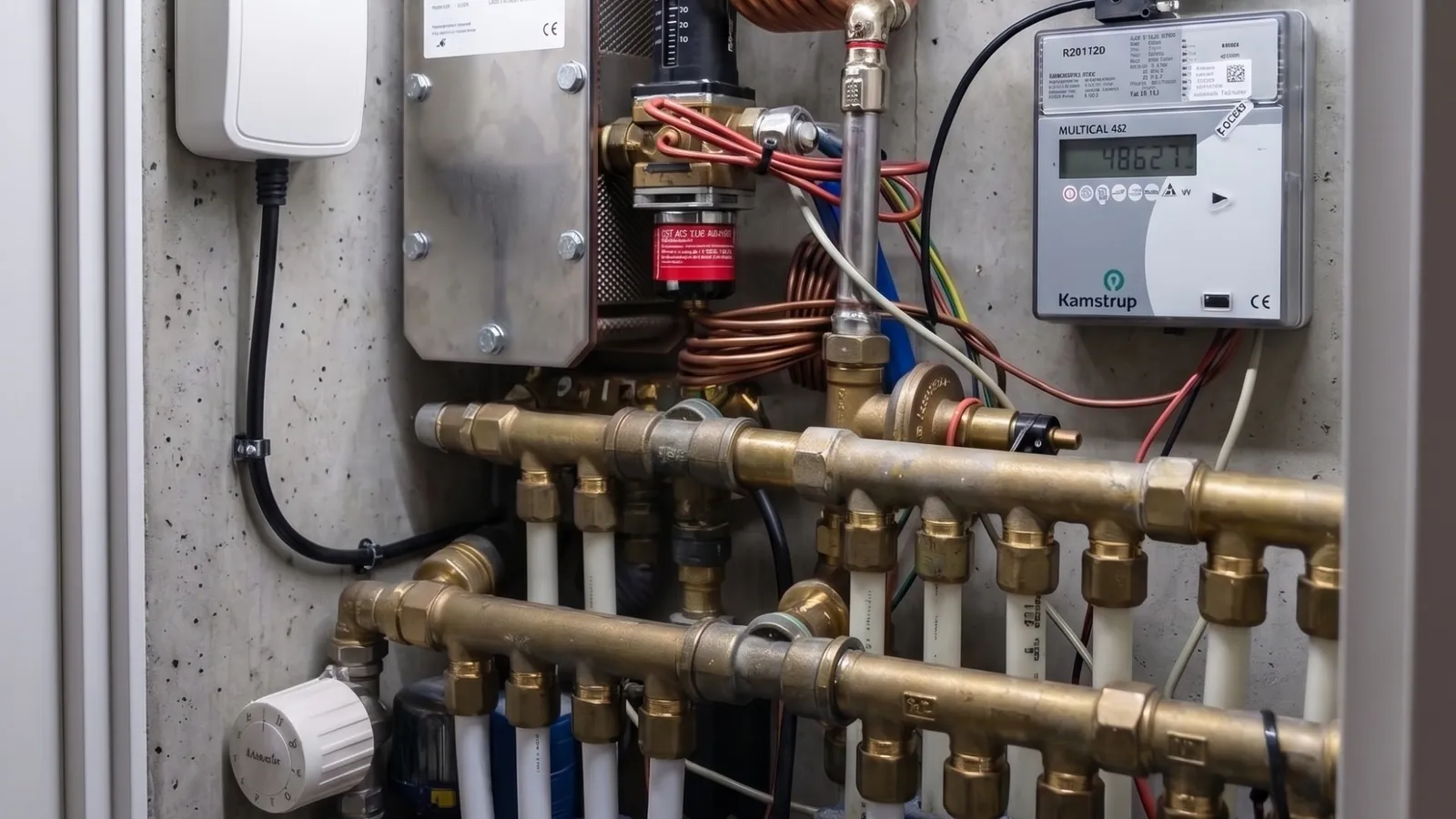
As an operations manager, you know that the weakest part of any alarm chain is not the sensor — it is the precious minutes that pass while everyone assumes that ‘someone else has got this’.
A water alarm is not resolved when the message has been sent. It is resolved when a person has been on site and acknowledged it. So everything in between is where the difference is made: who gets the message, what happens if nobody answers, and how easy it is to report back at half past ten at night with wet shoes.
The three ways an alarm chain fails
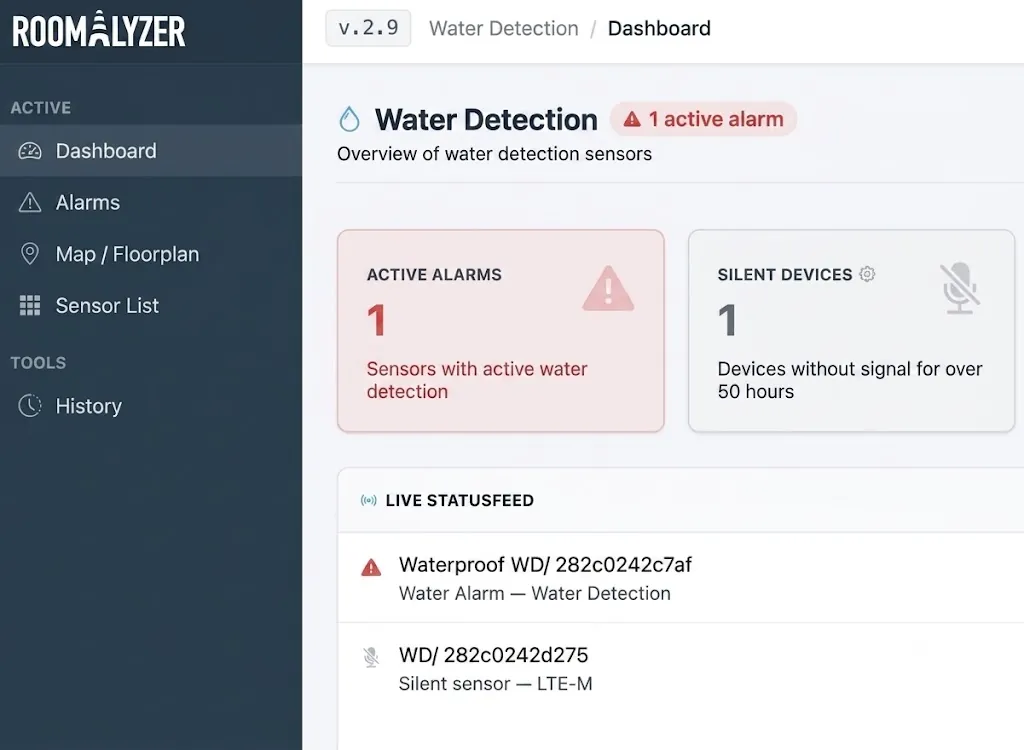
- The message reached nobody: The recipient group contains a person whose number was never filled in, or the stage is set to SMS while the group only has email addresses. The setup looks right in the form, and it only comes to light during a real alarm.
- Everyone thought someone else had taken it: The message went to five people at once, at 11 pm on a Saturday, and each of them assumed one of the other four was closer.
- The report back never happens: Someone did drive out and mop up — but because there was no easy way to report it, the alarm stays open and the others keep getting reminders.
All three are organisational problems, not technical ones. With our solution Water detection in RoomAlyzer Water you can close them simply and safely.
Escalation: the next stage if nobody answers
An escalation rule is a chain of stages. Each stage has a delay, a recipient group, a channel (SMS or email) and a template. The first stage goes to whoever normally takes it. If nobody responds within the delay, the alarm moves on to the next group — the on-call engineer, the technical manager, the external emergency service.
Rules can be set per location, and when an alarm goes off, the rule that applies is the one whose location sits closest to the alarm’s own location: if there is both a rule on the building and one on the room, the room wins. If neither exists, a rule set for all locations is used. If that is missing too, the alarm escalates on one of the remaining rules anyway and notes it in the operations log — the RoomAlyzer Water system would rather call the wrong group than call nobody.
One important detail: an alarm keeps the rule it started on. If you edit the rule in the middle of a live alarm, the change only applies from the next alarm. Otherwise the escalation would start again from the beginning and send every stage at once.
The channel and the contact details have to match
Because the stage’s channel and the group’s contact details are set in two different places, an SMS stage on a group with no phone numbers can look perfectly correct. That is the most common reason an alarm sends nothing.
So a warning appears under the stage when the two do not match — when the group has no members, when nobody has either a phone number or an email address, when nobody can be reached on that particular channel, or when individual members are skipped because their contact details are missing.
RoomAlyzer Water would rather send on the wrong channel than not at all: if a member only has an email address, they get an email even though the stage is set to SMS. That is a rescue, not a fix, and the warning stays in place until the setup has been corrected.
The Test stage button shows the result recipient by recipient: who got the message, who was skipped, and who was reached on a channel other than the stage’s. If the test reached nobody, the receipt is red — not green. That is the kind of honesty that makes a test useful rather than reassuring.
Acknowledgement: from the message, with no login
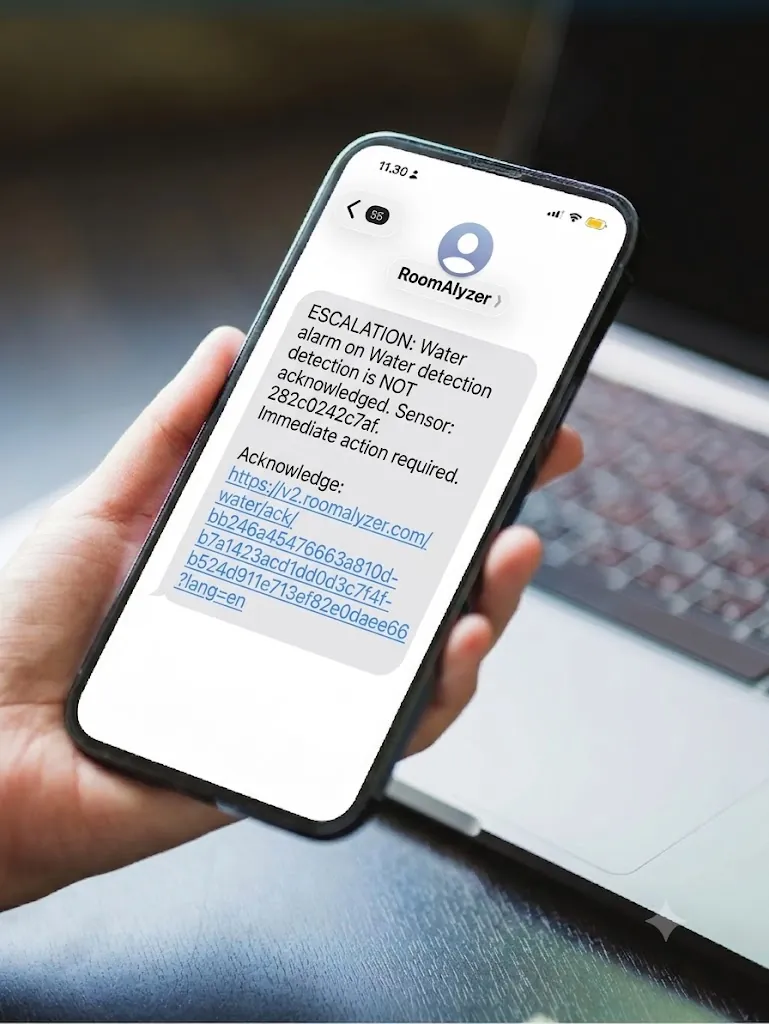
Anyone driving out to an alarm at eleven at night should not need a password. That is why the alarm email and the text message from RoomAlyzer Water contain a link to a public acknowledgement page where you can report back directly.
You state what you found — major leak, minor leak, false alarm, condensation or other — write a short description, and can attach up to three photos. These are exactly the same fields as inside the app, and both the location and the sensor appear on their own lines, so you can see that you are acknowledging the right alarm.
The categories are worth taking seriously. ‘False alarm’ and ‘condensation’ are not the same thing, and over a year the distribution tells you something: condensation again and again on the same sensor is a ventilation problem, not a fault in the sensor.
Inside the RoomAlyzer Water app there is also Take the job, which signals to all the other recipients that you are on your way. It is the simplest cure for five people driving to the same place — or nobody.
The timeline also shows what failed
Most systems show what was sent. What is interesting is often what was not.
A message that did not get through appears in red with the text ‘Message could not be sent’, and does not count as a message sent. If nobody in the recipient group could be reached on the stage’s channel, it says that nobody in the group could be reached, and the whole alarm is marked as one that nobody was notified about.
That sounds uncomfortable, and it is meant to. An alarm chain that quietly reports success is more dangerous than no alarm chain at all, because it takes away the vigilance. When a message fails, the reason is almost always that the stage’s channel does not match the group’s contact details — and that is something you can fix in five minutes in RoomAlyzer Water, if you know about it.
All of this ends up in the history along with the response time, which can be held up against the SLA (service level agreement) you have set. If you need to build the whole setup from the beginning, water detection from the ground up is here.