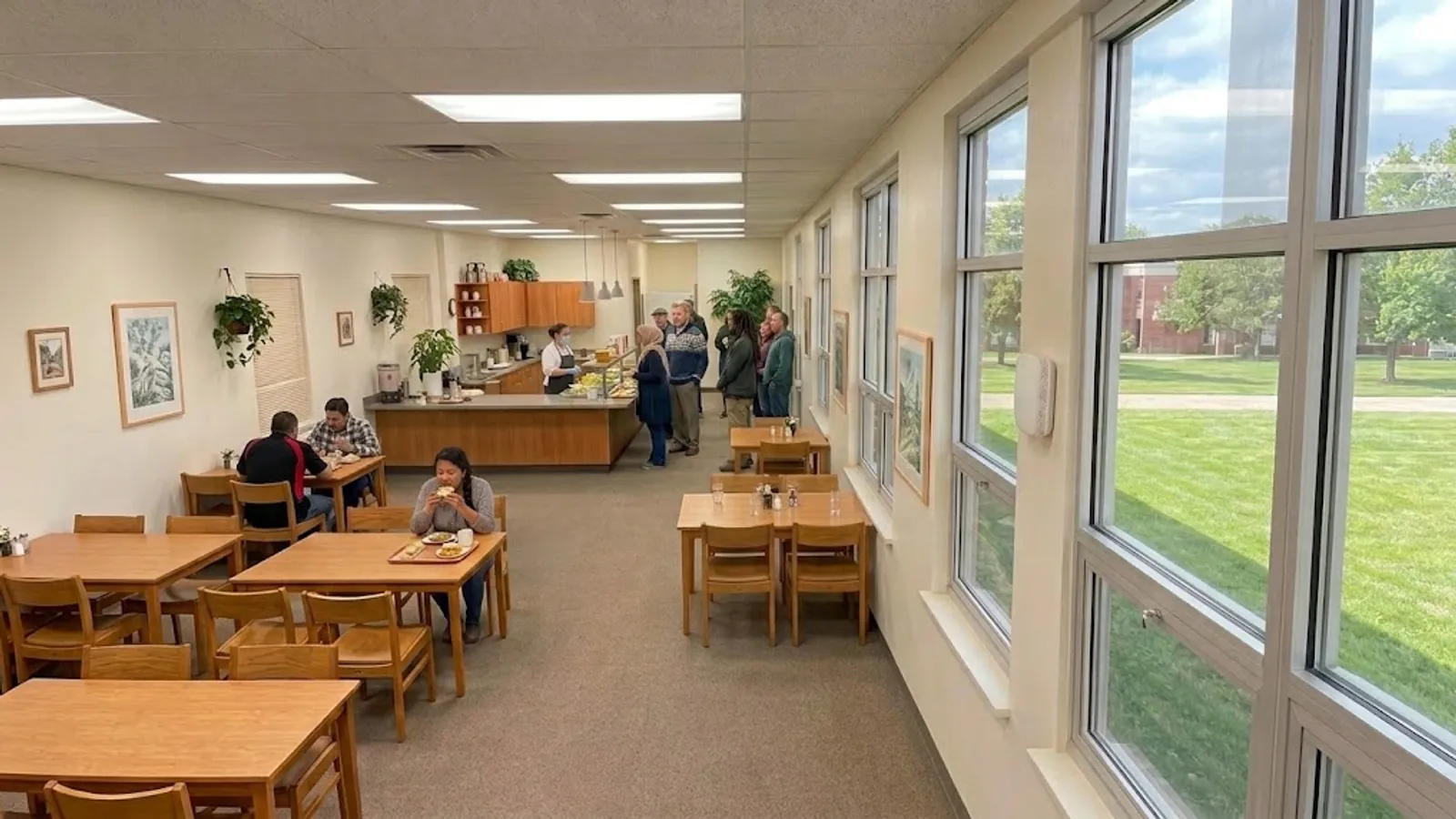
Sound familiar? You have not got time to open a dashboard every morning, but you would like to know if something is wrong with the indoor climate, or if there is water where there should not be, before anyone else spots it.
A notification is a rule that sends you an email or a text message when a sensor crosses a threshold you have set yourself. That sounds simple, and it is — right up until the first week when the meeting room passes 1,200 ppm every single afternoon and your inbox fills with messages about something you already know. So this is just as much about when you should not be told. And that is exactly what our solution Indoor climate in RoomAlyzer Air is set up to help you with.
The trap everyone falls into the first time
The typical setup looks like this: an alarm on every sensor, on every parameter, at the slightest breach. After three days people filter the messages into a folder they never open, and the system is effectively switched off — except that everyone believes it is working.
The useful setup is the opposite. A few rules, on the rooms where a breach genuinely calls for action, with a sensitivity that sorts out what is only passing. A meeting room that is stuffy for an hour after a big meeting should not send a message. A server room that climbs three degrees should.
That is why the right order in RoomAlyzer is to look at Deviations first. Once you can see how often and for how long a room actually sits outside the band, you also know which threshold and which sensitivity will give you a message you will act on.
Setting up a notification
Notifications live under Indoor climate → Deviations → Notifications, and the same rules can be reached from Preservation — it is one shared list, wherever you create them.
Click Create notification and fill in the panel:
- Sensor — which room the rule applies to.
- Parameter — temperature, humidity, CO2 or another measurement the sensor can provide.
- Threshold — the value that triggers the message.
- Sensitivity — how persistent the breach has to be before you are told.
- Language — email and SMS go out in the language you choose, which matters when the recipients are not the same people as the users.
- Recipients — email addresses, phone numbers or both.
Each rule sits as a card on the page with a toggle, so you can switch a rule off for a period without deleting it. That is useful during refurbishment or a holiday shutdown, when the alarms would otherwise be firing for nothing.
Sensitivity is the most important setting
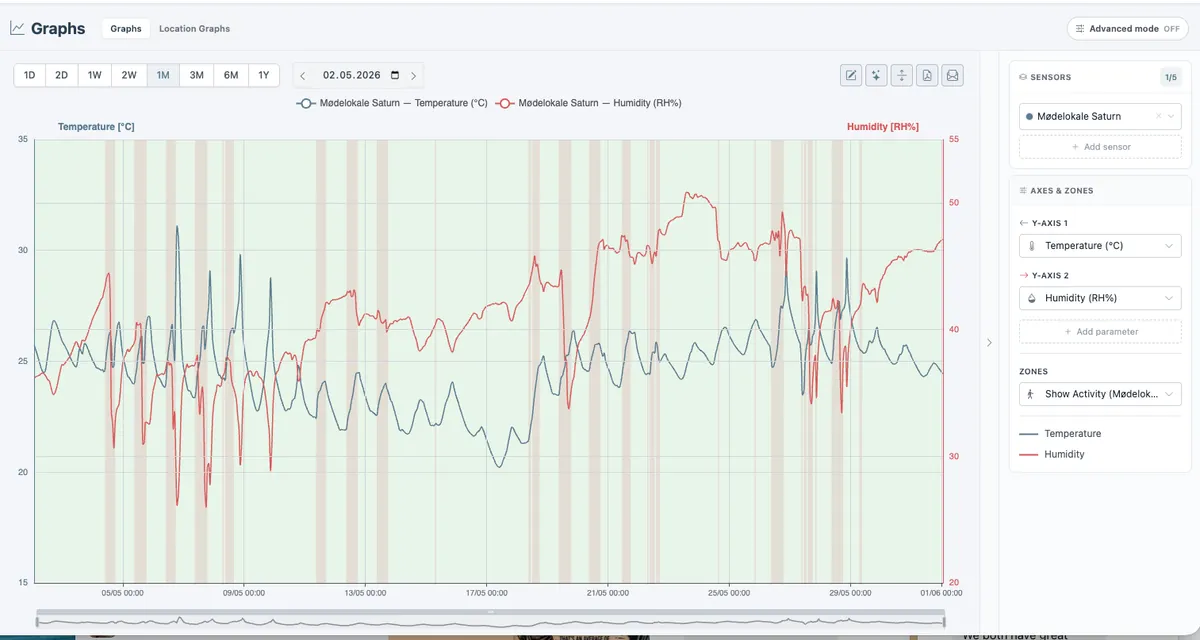
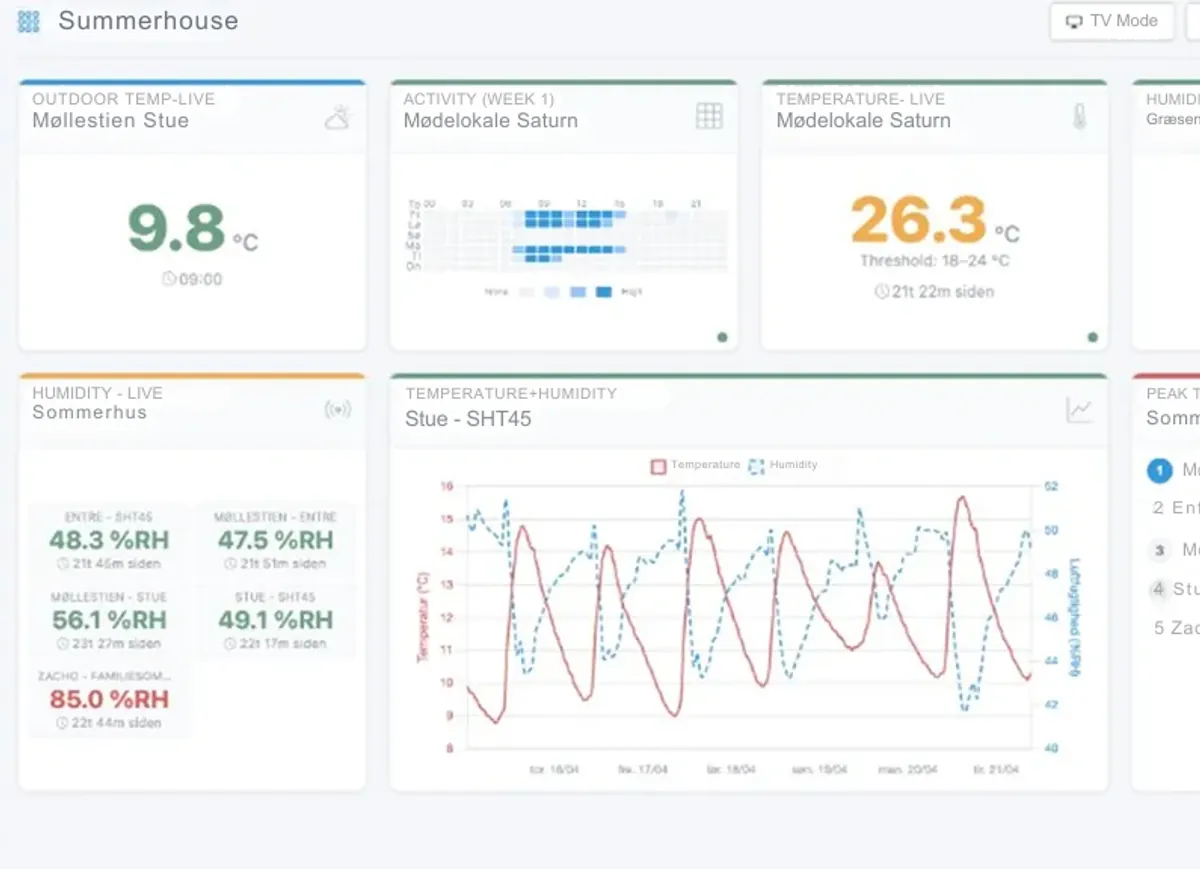
Every parameter moves. CO2 rises and falls with how many people are in the room. Temperature peaks in the afternoon. Humidity follows the weather. If a rule fires on the first reading above the threshold, you will be told about everything that sorts itself out ten minutes later.
Sensitivity is where you decide what counts as a problem. Set it low for the rooms where a brief breach matters — a fridge, a server room, a store. Set it higher for rooms where it only becomes interesting once the condition persists — an office, a classroom, a canteen.
A good rule of thumb: if you would not do anything about the message at 11 pm on a Saturday, the rule needs either a higher sensitivity, a different threshold or fewer recipients.
Alarms that wait for a pattern
Some problems do not show up as a single high reading, but as a condition that builds. For those there is a different kind of alarm in RoomAlyzer Air.
The Bizot fluctuation alert in our preservation module is one example. It does not trigger on a level, but on a swing: the difference between the highest and the lowest humidity within 24 hours. If the swing crosses the threshold — 10 percentage points in the normal band, 5 in the tight one — for a number of consecutive days that you set yourself, you get one message telling you a persistent problem has developed. Not a message every day. It is evaluated automatically each night and sent by email only.
That is the right logic for anything to do with materials rather than people. A wooden sculpture takes no harm from one damp day, but from weeks of large daily swings.
When the message must not be missed
With water, alerting is a discipline of its own, because a leak costs money from the moment it starts. That is why Water detection in RoomAlyzer Water has machinery of its own: recipient groups, escalation rules with stages and delays, its own message templates, and the option to acknowledge straight from the message without logging in. If the first stage goes unanswered, the alarm moves on to the next group.
That kind of escalation is not needed for indoor climate, where a warm room rarely gets worse for waiting until tomorrow. But the principle is worth taking with you: a message is only an alarm if someone is responsible for responding to it.
If you want to see what the pattern looks like before you set the threshold, the deviation analysis is here. If the threshold needs settling first, scenarios and thresholds are here.