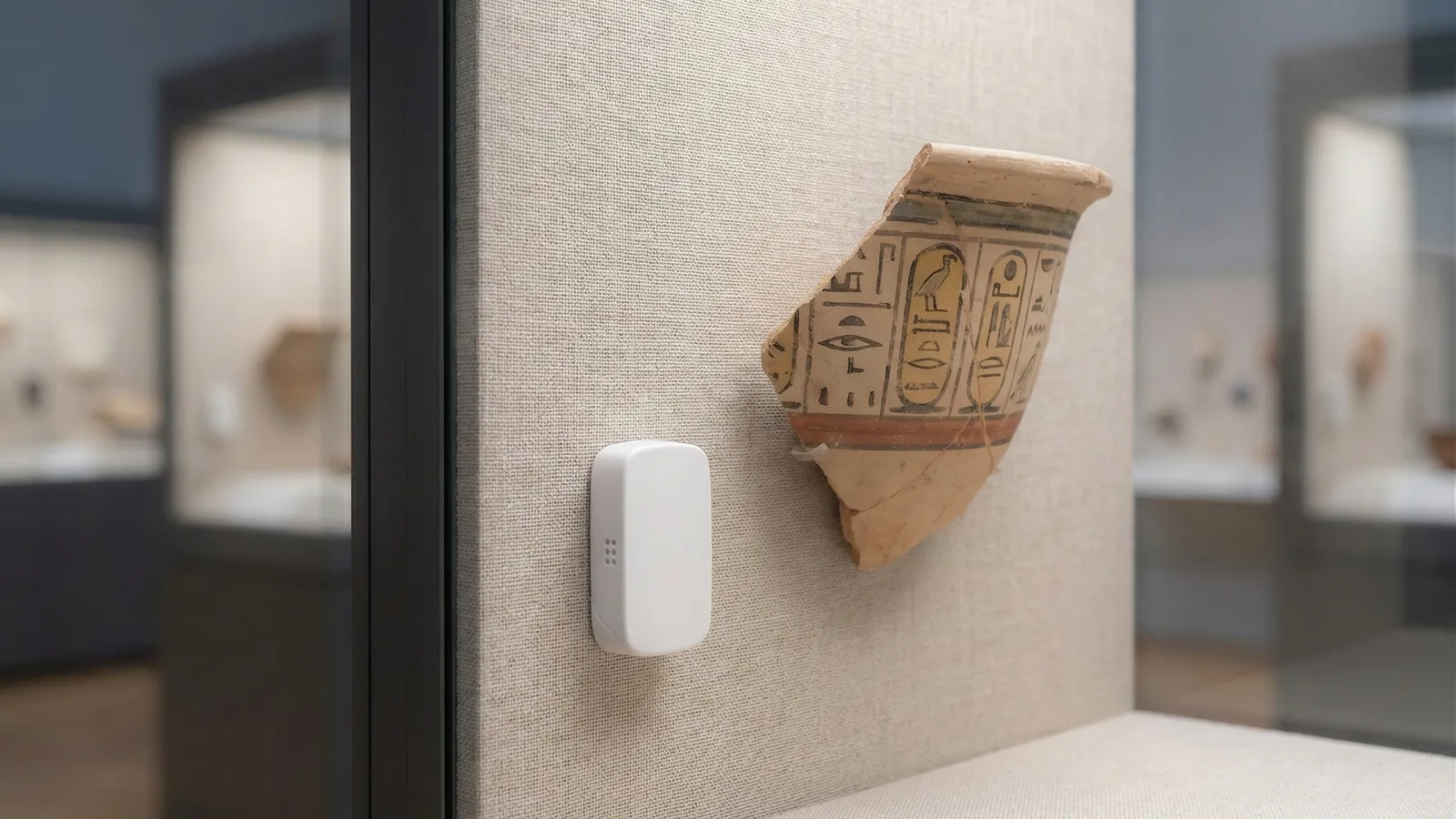
It is a delicate balance, and an important one if you are the person expected to cut energy consumption while still being able to guarantee that your objects are preserved without damage.
The idea behind preservation heating is that warmth in a store is not there for the sake of comfort. It is there to keep relative humidity down, because warmer air can hold more water and is therefore relatively drier. That also means there is a lowest temperature that still keeps humidity below a safe limit — and every degree above it is energy the collection gains nothing from.
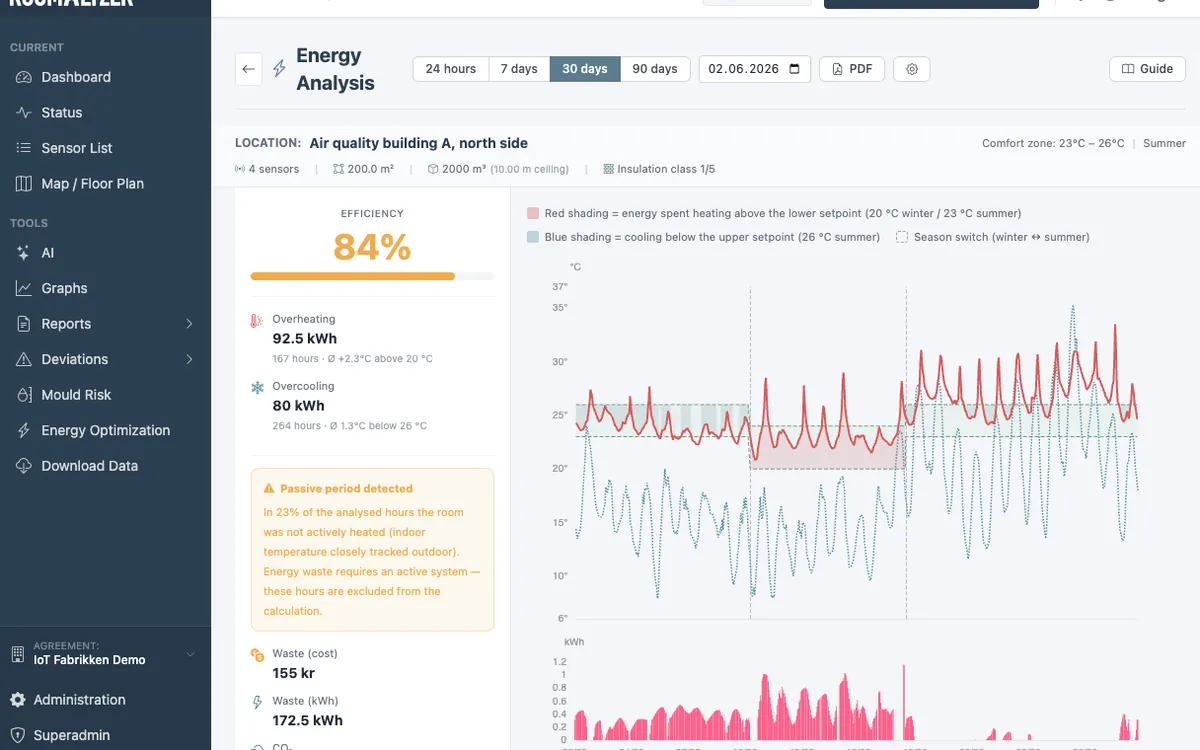
That is exactly the difference RoomAlyzer Air quantifies. The Heating waste analysis under Preservation compares the measured temperature with the preservation setpoint the room needs, and converts the difference into waste.
Why ‘we’ll just turn it down’ is an alarming suggestion
Anyone who has tried it knows the resistance. Turn the heating down without knowing what happens to humidity and you may simply move the problem from the energy bill to preservation — and mould damage to a collection is not a line anybody wants to explain in an annual report.
The concern is justified. As the temperature falls, relative humidity rises, even though the amount of water in the air is unchanged. Let it fall far enough and you approach condensation on cold surfaces, and on the way there you pass straight through the levels where mould thrives.
So there is little point in discussing a temperature. The useful discussion is about the lowest temperature that still keeps humidity down — and then being able to see how far above it you are.
Two ways to set the setpoint
The system can calculate the setpoint in two ways, and the choice affects how much you can save.
-
Dynamic (VTT): Calculates the humidity limit as a function of temperature using the VTT mould model. Because the risk of mould growth is not the same at 8 degrees as at 20, higher humidity can be allowed when the risk is low. This is the energy-optimal strategy, because it follows the actual risk rather than a fixed number.
-
Static: Uses a fixed humidity limit — no more than 62%, for example. It is easy to explain and easy to check, but it is not energy-optimal, because it treats a cold winter day and a mild autumn day the same.
Then there is the question of how several sensors in the same room should be combined. Conservative governs each hour by the sensor showing the highest humidity — the worst case — and is the recommended setting, because moisture damage happens locally, at the worst spot. Average levels out across the sensors and should only be used in large, open rooms where the climate really is uniform.
The heating season — the detail that makes the number credible
The easy mistake in this kind of calculation is to count all warmth above the setpoint as waste. That would make a sunny July day, when the store heats up on its own, appear as wasted energy — and then the figure is no use to anyone.
That is why RoomAlyzer Air has a season gate:
- May to September: never heating season, whatever the outdoor temperature does. A cool week in June does not mean the heating is running. Waste is zero for those days, and the live status reads ‘Passive heat — heating not active’.
- October to April: heating season, unless the running mean outdoor temperature — a seven-day rolling average as defined in EN 16798-1 — is 15 degrees or above. So a warm week in October still counts as summer.
Within the heating season, waste is recorded hour by hour as the difference between the measured indoor temperature and the target, whenever the indoor temperature is the higher of the two. The outdoor temperature is retrieved automatically and drawn into the chart as a dashed line, and if weather coverage is below 80% of the period, the analysis says so rather than pretending otherwise.
How to read the result
The analysis shows status for the last 24 hours, seven days and 30 days, along with an efficiency figure and a waste figure. Efficiency is a simple conversion of how far above target the room has been on average, and status follows the average exceedance: up to two degrees counts as good, two to four as a warning, and more than four degrees as critical.
Four degrees does not sound like much. But a store kept four degrees warmer than necessary for a whole heating season is a permanent line in the budget — and one nobody decided on, because it usually comes from a thermostat somebody set once.
Setup happens under Administration → Heating waste, where floor area, insulation, heat source and strategy are entered. Without those figures, waste cannot be converted into energy. The analysis can also sit as a status tile on the preservation dashboard for a location, and it appears as a section in the preservation report if it is switched on.
Be precise about what this is — and is not
The feature was previously called Preservation Heat, and the name was misleading. This is not hygrostat-controlled conservation heating, where a system regulates the heat according to humidity. RoomAlyzer does not control your heating and does not send setpoints to any system.
What the feature does is estimate the waste relative to a preservation setpoint: how much warmer the room has been than preservation required, and what that amounts to. The decision to change the setting is yours, and it should be made together with whoever holds the professional responsibility for preservation.
Nor is the estimate a meter. It is built on building data you have entered yourself and on a model — good enough to prioritise and to follow a trend, but not a reading from a heating system.
If you want to see heating in the context of the other analyses in RoomAlyzer Air, preservation monitoring is here. And if it is the humidity limit behind the setpoint you want to understand, mould risk under VTT is here.